Showing posts with label Segmented. Show all posts

Friday, 7 October 2016

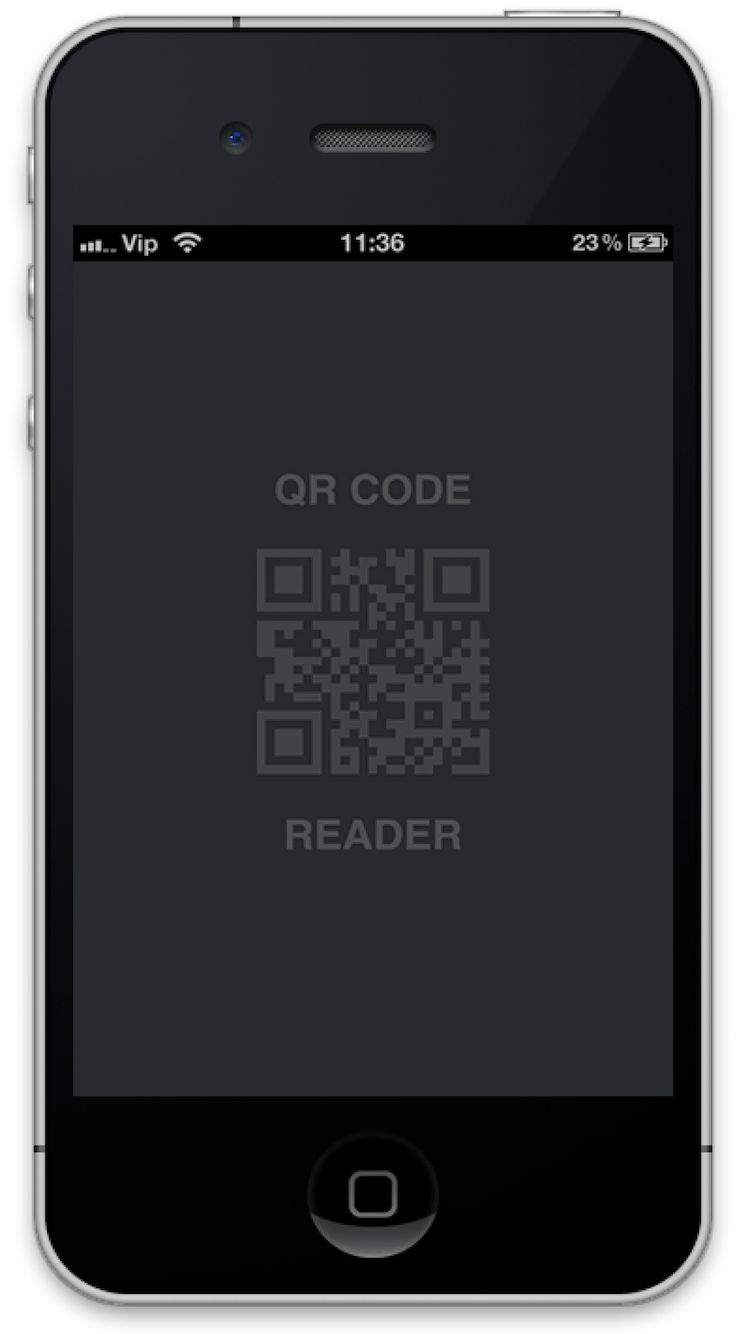
QRCodeReader in Objective-c

QRCodeReader framework help to Decode QRcode.

QRCodeReader Framework for ios developer, Very eazy implementation with delegate.

CocoaControls Link : https://www.cocoacontrols.com/controls/qrcodereader


How to use
1. Embeded Binaries

2. Drag and drop UIView in your view controller.
3. Change Class of UIVIew.
4. Bind your UIView.

Paste "M1, M2" methods in your view controller (i.e. "ViewController.m")

"M1" viewDidLoad

- (void)viewDidLoad {
[super viewDidLoad];
// Do any additional setup after loading the view from its nib.
self.title = @"QR Code Reader";
[qrCodeView setDelegate:self];
[qrCodeView startReading];
}
And here the delegate methods:

"M2" QRCodeReaderDelegate

#pragma mark - QRCodeReaderDelegate
- (void)getQRCodeData:(id)qRCodeData {
UIAlertController *alertController = [UIAlertController alertControllerWithTitle:@"QR Code" message:qRCodeData preferredStyle:UIAlertControllerStyleAlert];

UIAlertAction *cancel = [UIAlertAction actionWithTitle:@"Close" style:UIAlertActionStyleDefault handler:nil];
[alertController addAction:cancel];

UIAlertAction *reScan = [UIAlertAction actionWithTitle:@"Rescan" style:UIAlertActionStyleDefault handler:^(UIAlertAction * _Nonnull action) {
[qrCodeView startReading];
}];
[alertController addAction:reScan];
[self presentViewController:alertController animated:YES completion:nil];
}

Monday, 30 November 2015

Hello World Swift


Segmented Control Tutorial in iOS8 with Swift


  • Open Xcode and create a new Single View Application. For product name, use SegmentedControl and then fill out the Organization Name and Organization Identifier with your customary values. Enter Swift as Language and make sure only iPhone is selected in Devices.


  • Drag a Segmented Control to the main view.


  • Copy and paste this code to your .swift file and Run.

import UIKitimport Foundation

class SegmentController : UIViewController {    @IBOutlet var segmentedController:UISegmentedControl!            override func viewDidLoad() {        [self .setBackgroundColor(0)]    }
    @IBAction func segmentValueChange (sender : UISegmentedControl) {        let selectedIndex = sender.selectedSegmentIndex        [self .setBackgroundColor(selectedIndex)]    }
    func setBackgroundColor (value : Int) {        if (value == 0) {            // Red            self.view.backgroundColor = UIColor.redColor()        }        else if (value == 1) {            //Green            self.view.backgroundColor = UIColor.greenColor()        }        else {            // BLue            self.view.backgroundColor = UIColor.blueColor()        }        segmentedController.tintColor = self.view.backgroundColor        segmentedController.backgroundColor = UIColor.whiteColor()        segmentedController.layer.borderColor = UIColor.whiteColor().CGColor        segmentedController.layer.borderWidth = 2        segmentedController.layer.cornerRadius = segmentedController.frame.size.height/2        segmentedController.clipsToBounds = true                            }    }

  • Output