Showing posts with label ios. Show all posts

Wednesday, 21 June 2017

Get all font name in ios

How to check if a font is available in version of iOS?


- (void) getAllFontName {
    NSArray *familyNames = [[NSArray alloc] initWithArray:[UIFont familyNames]];
    
    NSArray *fontNames;
    NSInteger indFamily, indFont;
    for (indFamily=0; indFamily<[familyNames count]; ++indFamily)
    {
        NSLog(@"Family name: %@", [familyNames objectAtIndex:indFamily]);
        fontNames = [[NSArray alloc] initWithArray:
                     [UIFont fontNamesForFamilyName:
                      [familyNames objectAtIndex:indFamily]]];
        for (indFont=0; indFont<[fontNames count]; ++indFont)
        {
            NSLog(@"Font name: %@", [fontNames objectAtIndex:indFont]);
        }
    }
}

Monday, 13 March 2017

Failed to obtain a cell from its DataSource

Solutions for "Failed to obtain a cell from its DataSource" error

Swift 3.0

You just need to add UITableViewDelegate and UITableViewDataSource
import UIKit class ViewController: UIViewController, UITableViewDelegate, UITableViewDataSource


stackoverflow link :
http://stackoverflow.com/questions/34250595/failed-to-obtain-a-cell-from-its-datasource/41566649#41566649

Friday, 7 October 2016

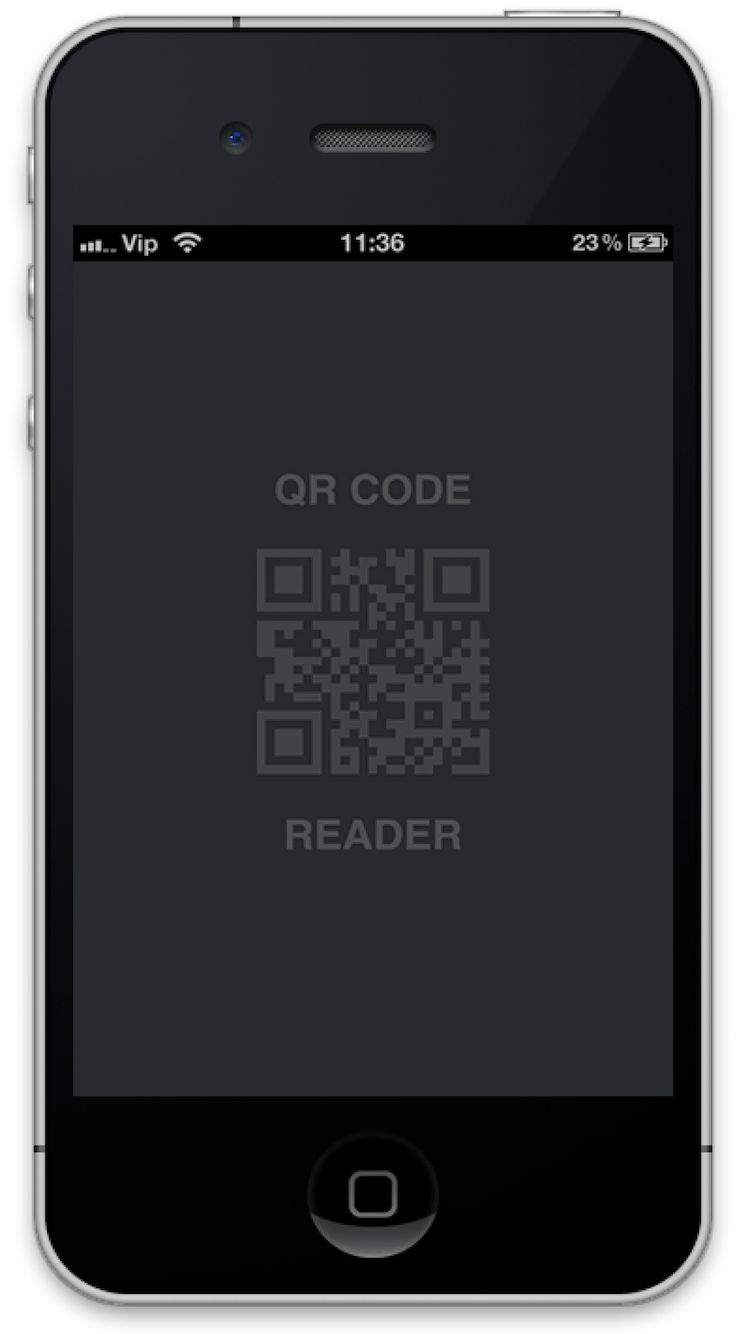
QRCodeReader in Objective-c

QRCodeReader framework help to Decode QRcode.

QRCodeReader Framework for ios developer, Very eazy implementation with delegate.

CocoaControls Link : https://www.cocoacontrols.com/controls/qrcodereader


How to use
1. Embeded Binaries

2. Drag and drop UIView in your view controller.
3. Change Class of UIVIew.
4. Bind your UIView.

Paste "M1, M2" methods in your view controller (i.e. "ViewController.m")

"M1" viewDidLoad

- (void)viewDidLoad {
[super viewDidLoad];
// Do any additional setup after loading the view from its nib.
self.title = @"QR Code Reader";
[qrCodeView setDelegate:self];
[qrCodeView startReading];
}
And here the delegate methods:

"M2" QRCodeReaderDelegate

#pragma mark - QRCodeReaderDelegate
- (void)getQRCodeData:(id)qRCodeData {
UIAlertController *alertController = [UIAlertController alertControllerWithTitle:@"QR Code" message:qRCodeData preferredStyle:UIAlertControllerStyleAlert];

UIAlertAction *cancel = [UIAlertAction actionWithTitle:@"Close" style:UIAlertActionStyleDefault handler:nil];
[alertController addAction:cancel];

UIAlertAction *reScan = [UIAlertAction actionWithTitle:@"Rescan" style:UIAlertActionStyleDefault handler:^(UIAlertAction * _Nonnull action) {
[qrCodeView startReading];
}];
[alertController addAction:reScan];
[self presentViewController:alertController animated:YES completion:nil];
}