Wednesday, 5 September 2018

Get IP Address iOS (Swift 4 & Objective-C)

Swift 4

 func getIPAddress() -> String? {  
     var address: String?  
     var ifaddr: UnsafeMutablePointer<ifaddrs>? = nil  
     if getifaddrs(&ifaddr) == 0 {  
       var ptr = ifaddr  
       while ptr != nil {  
         defer { ptr = ptr?.pointee.ifa_next }  
         let interface = ptr?.pointee  
         let addrFamily = interface?.ifa_addr.pointee.sa_family  
         if addrFamily == UInt8(AF_INET) || addrFamily == UInt8(AF_INET6) {  
           if let name: String = String(cString: (interface?.ifa_name)!), name == "en0" {  
             var hostname = [CChar](repeating: 0, count: Int(NI_MAXHOST))  
             getnameinfo(interface?.ifa_addr, socklen_t((interface?.ifa_addr.pointee.sa_len)!), &hostname, socklen_t(hostname.count), nil, socklen_t(0), NI_NUMERICHOST)  
             address = String(cString: hostname)  
           }  
         }  
       }  
       freeifaddrs(ifaddr)  
     }  
     return address  
   }  

Objective-C

+(NSString *)getIPAddress {  
   NSString *address = @"error";  
   struct ifaddrs *interfaces = NULL;  
   struct ifaddrs *temp_addr = NULL;  
   int success = 0;  
   // retrieve the current interfaces - returns 0 on success  
   success = getifaddrs(&interfaces);  
   if (success == 0) {  
     // Loop through linked list of interfaces  
     temp_addr = interfaces;  
     while(temp_addr != NULL) {  
       if(temp_addr->ifa_addr->sa_family == AF_INET) {  
         // Check if interface is en0 which is the wifi connection on the iPhone  
         if([[NSString stringWithUTF8String:temp_addr->ifa_name] isEqualToString:@"en0"])  
         {  
           // Get NSString from C String  
           address = [NSString stringWithUTF8String:inet_ntoa(((struct sockaddr_in *)temp_addr->ifa_addr)->sin_addr)];  
         }  
       }  
       temp_addr = temp_addr->ifa_next;  
     }  
   }  
   // Free memory  
   freeifaddrs(interfaces);  
   return address;  
 }  

Wednesday, 21 June 2017

Get all font name in ios

How to check if a font is available in version of iOS?


- (void) getAllFontName {
    NSArray *familyNames = [[NSArray alloc] initWithArray:[UIFont familyNames]];
    
    NSArray *fontNames;
    NSInteger indFamily, indFont;
    for (indFamily=0; indFamily<[familyNames count]; ++indFamily)
    {
        NSLog(@"Family name: %@", [familyNames objectAtIndex:indFamily]);
        fontNames = [[NSArray alloc] initWithArray:
                     [UIFont fontNamesForFamilyName:
                      [familyNames objectAtIndex:indFamily]]];
        for (indFont=0; indFont<[fontNames count]; ++indFont)
        {
            NSLog(@"Font name: %@", [fontNames objectAtIndex:indFont]);
        }
    }
}

Tuesday, 20 June 2017

Monday, 13 March 2017

Failed to obtain a cell from its DataSource

Solutions for "Failed to obtain a cell from its DataSource" error

Swift 3.0

You just need to add UITableViewDelegate and UITableViewDataSource
import UIKit class ViewController: UIViewController, UITableViewDelegate, UITableViewDataSource


stackoverflow link :
http://stackoverflow.com/questions/34250595/failed-to-obtain-a-cell-from-its-datasource/41566649#41566649

Tuesday, 11 October 2016

Push Notifications for iOS 10 code in objective-c

Step by step guide to implement push notification in iOS10


Step 1 : Import UserNotifications.framework in your AppDelegate.h file
#import <UserNotifications/UserNotifications.h>
Setp 2 : Add "UNUserNotificationCenterDelegate"
@interface AppDelegate : UIResponder <UIApplicationDelegate,UNUserNotificationCenterDelegate>
@end

Step 3 :  Register for push notification in AppDelegate.m file
- (BOOL)application:(UIApplication *)application didFinishLaunchingWithOptions:(NSDictionary *)launchOptions {
// Override point for customization after application launch.
UNUserNotificationCenter *notificationCenter = [UNUserNotificationCenter currentNotificationCenter];
notificationCenter.delegate = self;
[notificationCenter requestAuthorizationWithOptions:(UNAuthorizationOptionSound | UNAuthorizationOptionAlert | UNAuthorizationOptionBadge) completionHandler:^(BOOL granted, NSError * _Nullable error){
if( !error ){
[[UIApplication sharedApplication] registerForRemoteNotifications];
}
}];

return YES;
}
Step 4 :  Now time to implement Notification Delegate methods in AppDelegate.m file.-

-(void)userNotificationCenter:(UNUserNotificationCenter *)center willPresentNotification:(UNNotification *)notification withCompletionHandler:(void (^)(UNNotificationPresentationOptions options))completionHandler{
NSLog(@"User Info = %@",notification.request.content.userInfo);
completionHandler(UNNotificationPresentationOptionAlert | UNNotificationPresentationOptionBadge | UNNotificationPresentationOptionSound);
}

- (void)userNotificationCenter:(UNUserNotificationCenter *)center didReceiveNotificationResponse:(UNNotificationResponse *)response withCompletionHandler:(void(^)())completionHandler{

NSLog(@"User Info = %@",response.notification.request.content.userInfo);
completionHandler();
}




Sunday, 9 October 2016

iOS 10 info.plist changes required

iOS 10 info.plist changes required.

Goto Info.Plist file. 

Camera :
Key      :  Privacy - Camera Usage Description   
Value    :  $(PRODUCT_NAME) camera use

Microphone :
Key      :  Privacy - Microphone Usage Description    
Value    :  $(PRODUCT_NAME) microphone use 
 
Photo :
Key      :  Privacy - Photo Library Usage Description    
Value    :  $(PRODUCT_NAME) photo use
 
Contact :
Key      :   Privacy - Contacts Usage Description     
Value    :  $(PRODUCT_NAME) contact use
 
Location :
Key      :  Privacy - Location Always Usage Description   
Value    :  $(PRODUCT_NAME) location use
---------- or ----------
Key      :  Privacy - Location When In Use Usage Description   
Value    :  $(PRODUCT_NAME) location use
 
Media Library :
Key      :  Privacy - Media Library Usage Description   
Value    :  $(PRODUCT_NAME) media library use
 
Calendar :
Key      :  Privacy - Calendars Usage Description    
Value    :  $(PRODUCT_NAME) calendar events
 
Bluetooth Sharing :
Key      :  Privacy - Bluetooth Peripheral Usage Description     
Value    :  $(PRODUCT_NAME) Bluetooth Peripheral use
 
Reminder :
Key      :   Privacy - Reminders Usage Description    
Value    :   $(PRODUCT_NAME) reminder use
 
Heath :
Key      :  Privacy - Health Share Usage Description   
Value    :  $(PRODUCT_NAME) heath share use
---------- or ----------
Key      :  Privacy - Health Update Usage Description   
Value    :  $(PRODUCT_NAME) heath update use
 
Motion :
Key      :  Privacy - Motion Usage Description   
Value    :  $(PRODUCT_NAME) motion use
 
SiriKit  :
Key      :  Privacy - Siri Usage Description  
Value    :  $(PRODUCT_NAME) siri use
 
Speech Recognition :
Key      :  Privacy - Speech Recognition Usage Description   
Value    :  $(PRODUCT_NAME) speech use
 
HomeKit :
Key      :  Privacy - HomeKit Usage Description   
Value    :  $(PRODUCT_NAME) home kit use
  
TV Provider :
Key      :  Privacy - TV Provider Usage Description   
Value    :  $(PRODUCT_NAME) tvProvider use

Friday, 7 October 2016

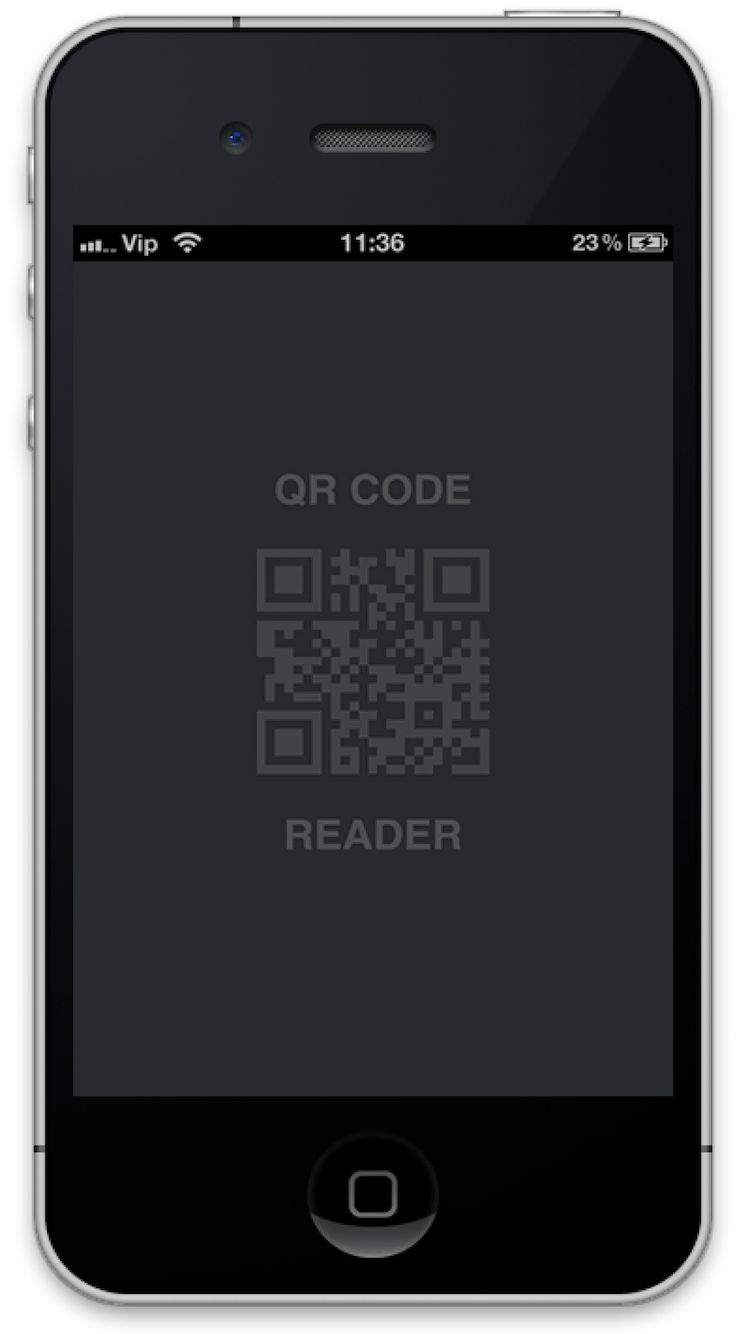
QRCodeReader in Objective-c

QRCodeReader framework help to Decode QRcode.

QRCodeReader Framework for ios developer, Very eazy implementation with delegate.

CocoaControls Link : https://www.cocoacontrols.com/controls/qrcodereader


How to use
1. Embeded Binaries

2. Drag and drop UIView in your view controller.
3. Change Class of UIVIew.
4. Bind your UIView.

Paste "M1, M2" methods in your view controller (i.e. "ViewController.m")

"M1" viewDidLoad

- (void)viewDidLoad {
[super viewDidLoad];
// Do any additional setup after loading the view from its nib.
self.title = @"QR Code Reader";
[qrCodeView setDelegate:self];
[qrCodeView startReading];
}
And here the delegate methods:

"M2" QRCodeReaderDelegate

#pragma mark - QRCodeReaderDelegate
- (void)getQRCodeData:(id)qRCodeData {
UIAlertController *alertController = [UIAlertController alertControllerWithTitle:@"QR Code" message:qRCodeData preferredStyle:UIAlertControllerStyleAlert];

UIAlertAction *cancel = [UIAlertAction actionWithTitle:@"Close" style:UIAlertActionStyleDefault handler:nil];
[alertController addAction:cancel];

UIAlertAction *reScan = [UIAlertAction actionWithTitle:@"Rescan" style:UIAlertActionStyleDefault handler:^(UIAlertAction * _Nonnull action) {
[qrCodeView startReading];
}];
[alertController addAction:reScan];
[self presentViewController:alertController animated:YES completion:nil];
}
